
Caldwell County Civil Docket Searches
Start online. The North Carolina eCourts Portal is the official entry point for public Caldwell County civil case information. Its Smart Search takes a party name or a case number. The advanced search documentation names Civil Actions, non-confidential Special Proceedings, and Estates as separate categories. Each can carry different access boundaries. You can view anonymously. An account mainly adds My Cases tools, not broader rights to court information.
A precise case number beats a name search. If a court notice gives you one, use it. Otherwise search by name. Then confirm Caldwell County, the case type, and the reference before opening a Case Summary. Portal results can locate public case information. The county Clerk keeps the actual court file. For a hearing date, try Search Hearings or the Caldwell civil calendar, and confirm any doubtful setting with the Clerk.
- Open the eCourts Portal and use Smart Search with the case number or a careful party-name query.
- Confirm that the result is a Caldwell County civil matter before opening its Case Summary.
- Review available case information, cause of action, events, hearings, disposition, and financials.
- Use the civil calendar or Search Hearings for a current setting rather than treating the Case Summary as a calendar.
- Ask the Clerk about a public file, copy, certification, or record that does not appear online.
Caldwell County Civil Dockets After eCourts
The timeline matters here. Caldwell County joined eCourts on October 13, 2025. The statewide completion announcement lists it among the final 13 counties in the rollout. NCAOC says older ACIS, VCAP, OCAP, CCIS, and PayNCticket records were converted into Enterprise Justice. A civil lookup now starts with the Portal, not a legacy database.
That conversion has a limit worth knowing. A converted result may surface a public case reference. A paper file can still hold historical material. A missing document, a similar name, or an entry from conversion time all call for the Caldwell Clerk. The Portal and the local file are two routes to the court record. They are not substitutes for each other.
The Judicial Branch's Types of Courts page lays out the court-division distinction. That distinction shapes how a Caldwell County civil docket search works.
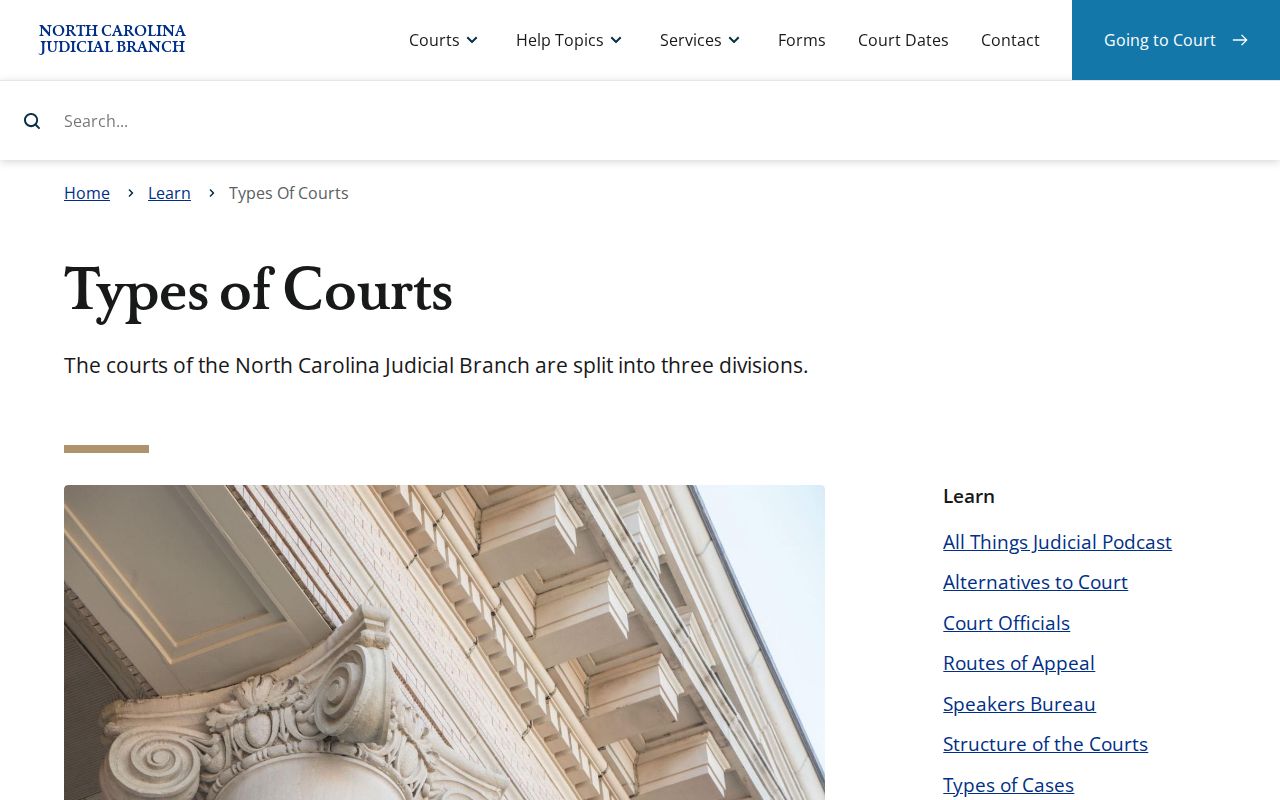
Even after the technology change, Caldwell County civil matters sit inside North Carolina's state trial-court structure. The court division still drives how a public case or calendar entry should be read.
Civil Dockets: What They Show
A Case Summary is a Register of Actions, not the whole case file. For eligible civil and special-proceeding matters, NCAOC lists case number, case information, assignments, parties, cause of action, events, hearings, dispositions, and financials as available fields. A cause of action just names the legal category. A hearing is a scheduled event. Neither field alone tells you what the court decided.
| Case number | The reference for the case. Enter it exactly as shown on a court notice or Clerk document. |
|---|---|
| Case information | Available public category and basic information for the civil matter. |
| Assignment and parties | Available court, judicial-officer, courtroom, and listed party information. |
| Cause of action and events | The civil category and recorded public case activity, where available. |
| Hearings, disposition, and financials | Scheduled settings, reported status or resolution, and case-linked financial information if shown. |
Keep the case number handy. It gives the Caldwell Clerk a far better starting point than a partial search display.
Caldwell County Civil Judgment Searches
NC Judgment Search is a separate Portal function, built for indexed judgments. It searches by party name or case number. Filters cover type, status, location, and judgment date. Results, per NCAOC, include a case number, disposition, index date and time, parties, and comments. So it fits when you need an indexed judgment reference. It will not show every event in a civil case.
Read the index carefully. An index date is not every event date. A judgment index is not the full court file. Open the matching Case Summary when available, then ask the Caldwell Clerk about the public file or a certified copy. That distinction keeps an indexed entry from being mistaken for a complete court record.
What Cases Fill the Civil Docket
Pick the right court lane. A Caldwell County civil docket search works best that way. Superior Court, District Court, and magistrates all belong to the state system, but their subject-matter roles differ. The amount in controversy often decides whether a civil action belongs in Superior or District Court. Family, juvenile, estates, and special proceedings carry their own access rules. So no public search promises the same result across every kind of matter.
| Caldwell court lane | Documented role | Docket search point |
|---|---|---|
| Superior Court | Civil disputes over $25,000 and appeals from District Court. | Confirm the case type and use the Portal, calendar, and Clerk as needed. |
| District Court | Civil matters generally at or below $25,000, plus family and juvenile jurisdiction. | Public availability can differ by case category and access rule. |
| Magistrate | Qualifying small claims up to $10,000 and specified judicial processes. | Use the court reference and Clerk for a public file or question about access. |
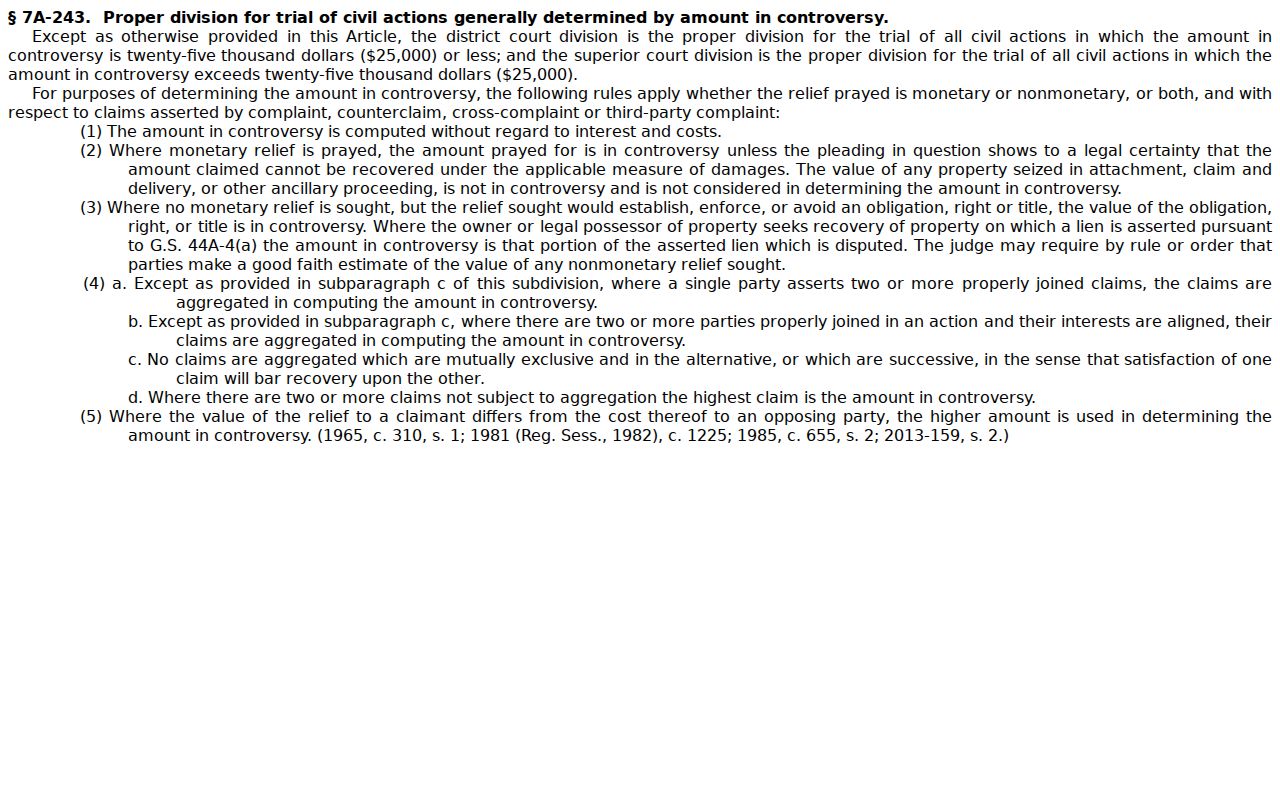
That $25,000 division line comes from G.S. 7A-243. It governs court jurisdiction, not whether every civil document appears online.
Caldwell County Civil Magistrate Dockets
Small claims is its own Caldwell County civil lane. Under G.S. 7A-210, magistrates may hear qualifying small claims up to $10,000. These cover money claims, property recovery, and summary ejectment. A magistrate is a judicial official in the state system, not a county-run database. Division and case category still matter when you want a public case reference.
The linked statute, from the same official source, frames the dollar threshold as a jurisdictional fact. That fact is no shortcut. It does not reveal what a public Caldwell County docket contains.
Caldwell's directory routes magistrate questions to 828-759-3519. That contact can point an access question the right way, but it cannot bend confidentiality rules or promise that a record is available.
Hearings on Civil Docket
Two tools answer different questions. A Caldwell County civil calendar shows when a case is set. The Case Summary lays out the case's public history of activity. Search Hearings lets you query it by case number, party or business name, attorney or bar number, judicial officer, or courtroom. What comes back is scheduling information, nothing more. A listed setting proves no filed document, ruling, or judgment.
Pair the official civil calendar with the Portal case reference to confirm a setting. Dates shift sometimes. NCAOC's court-date guidance says to call the court when a date looks uncertain or has changed. That includes a weather-affected setting. Treat any calendar entry as subject to verification.
Caldwell County Civil Calendar Verification
The Caldwell civil calendar destination is an official one. Its live controls, sessions, and rows can't be described in detail here. No single Caldwell page gathers every calendar deadline, motion cutoff, courtroom rotation, or post-eCourts assignment rule. Those gaps are worth remembering. Civil settings are not all alike.
When the exact time, courtroom, or status matters, check the current calendar against the Portal case reference. If the two conflict, call the Caldwell Clerk. Hold onto the court notice until the setting is confirmed. That phone call is the real check on live scheduling, not the calendar list itself.
Who Can See Civil Dockets
Access to Caldwell County civil docket information turns on three things. These are the record category, the case status, and legal limits. Portal availability does not mean every document or field is open. NCAOC states plainly that sealed and confidential cases and documents stay out of the Portal. Its advanced filters call out non-confidential special proceedings by name. That is a hint the category matters before assuming a title or search hit means open access.
Family and juvenile routing numbers can steer a local question to the right place. They do not make those records broadly public. Juvenile records carry their own statutory protection. A public court calendar is also separate from agency, counseling, mediation, or school records. Before requesting a copy, ask the Clerk. Ask whether the specific Caldwell County record is public and available.
Access boundaries:
G.S. 7A-109 assigns the Clerk responsibility for court records, files, dockets, and indexes, with access subject to law.
G.S. 7B-3000 protects juvenile records.
The Judiciary's North Carolina public-records law overview sets out the general principles. It also marks the line between those broad rules and the access rules that govern a court file specifically.
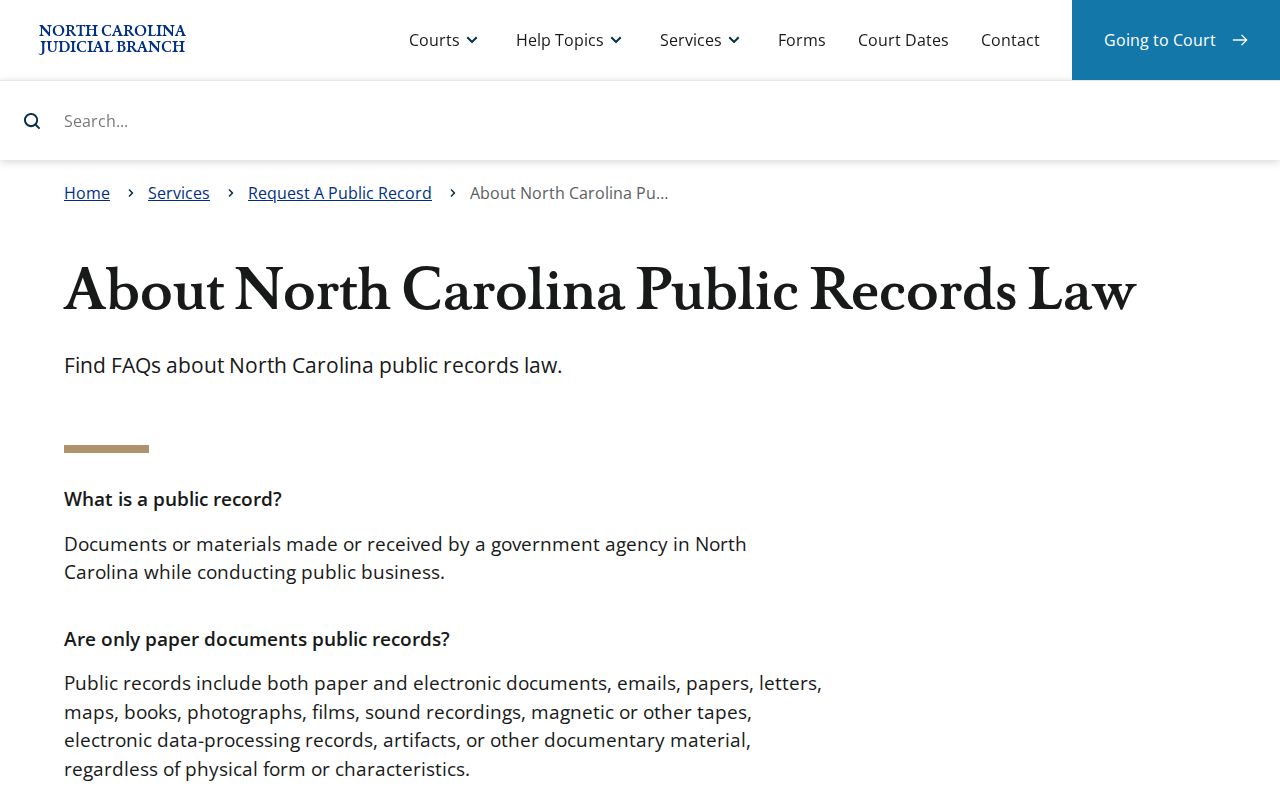
Public records can live on paper or in electronic form. Either way, the Caldwell Clerk decides availability for the local court file.
Caldwell County Civil File Requests
A Portal result is not a certified copy. To request a Caldwell County civil file, contact the Clerk of Superior Court. Give the case number if you have it. Say which document or date you need. Also say whether you want a plain or certified copy. Go through the Clerk rather than the NCAOC public-record request page. NCAOC says it does not hold local court documents and cannot certify them.
Caldwell Clerk of Superior Court
For a local court file, copy, certification, or availability question, call 828-759-3500 or visit the Caldwell courthouse at 216 Main St. NW in Lenoir.
Copies carry set fees. The January 2025 fee chart lists $2 for a first page, $0.25 for each later page, $3 for a certificate under seal, and $10 for exemplification. Each of those is a distinct service. Ask the Clerk for a current quote and an availability decision before you pay, since a docket entry is not the same as a certified judgment or a full file.