
How the Caldwell County Court Calendar Works
A Caldwell County court calendar answers one question. When is a matter set for court? That is its whole job. A Case Summary is different. The North Carolina eCourts Portal describes that record as a Register of Actions, pulling together case information, assignment, parties, events, hearings, dispositions, and financials where they exist. A calendar entry will not give you any of that depth. A listed Caldwell County hearing might be a status setting. It could be a continuance, or some other court event. Scheduling is not a result, and the calendar does not establish one.
For a current Caldwell County court schedule, go straight to the official destinations. North Carolina publishes the Caldwell criminal calendar and the Caldwell civil calendar in separate places. Those pages can leave gaps. Search Hearings or the Clerk of Superior Court can fill in whatever is missing. Rely on those rather than a stale notice or an unverified copy of a docket.
The official Caldwell civil-calendar destination shows the court calendar display in this image.
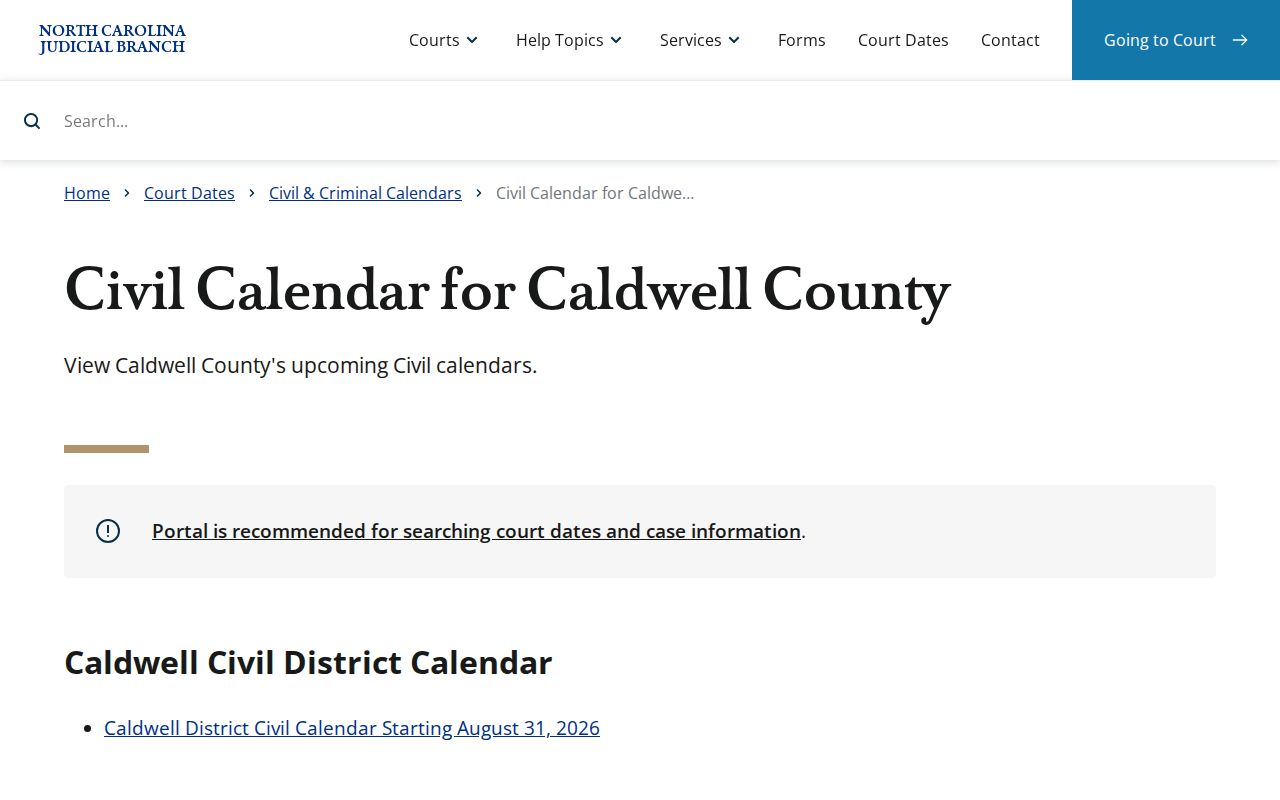
The image marks the official civil calendar route, not a promise that any displayed setting will stay unchanged.
Caldwell County Calendar Sources
Caldwell County offers more than one scheduling route, and each answers a different question. The two public calendar destinations are direct schedule routes. Portal Search Hearings finds a setting using case, party, attorney, judicial officer, or courtroom information. Smart Search can lead to hearing information inside a public Case Summary. The Caldwell Clerk is the local route. Use it when an online result is unclear. The Clerk also helps when a date seems to have moved, or the question is really about the court file itself.
| Route | Best use | Important limit |
|---|---|---|
| Criminal or civil calendar | Browse an official Caldwell County schedule by case type. | A schedule lists settings, not outcomes. |
| Portal Search Hearings | Find a hearing through documented search fields. | Hearing data can change and needs confirmation when uncertain. |
| Portal Smart Search | Locate an eligible public case by party name or case number. | Court dates are not a dedicated Portal feature. |
| Caldwell Clerk | Confirm a changed date or ask about the local file. | Access still depends on the case and legal restrictions. |
The official Caldwell criminal-calendar destination is the source for this court-calendar image.
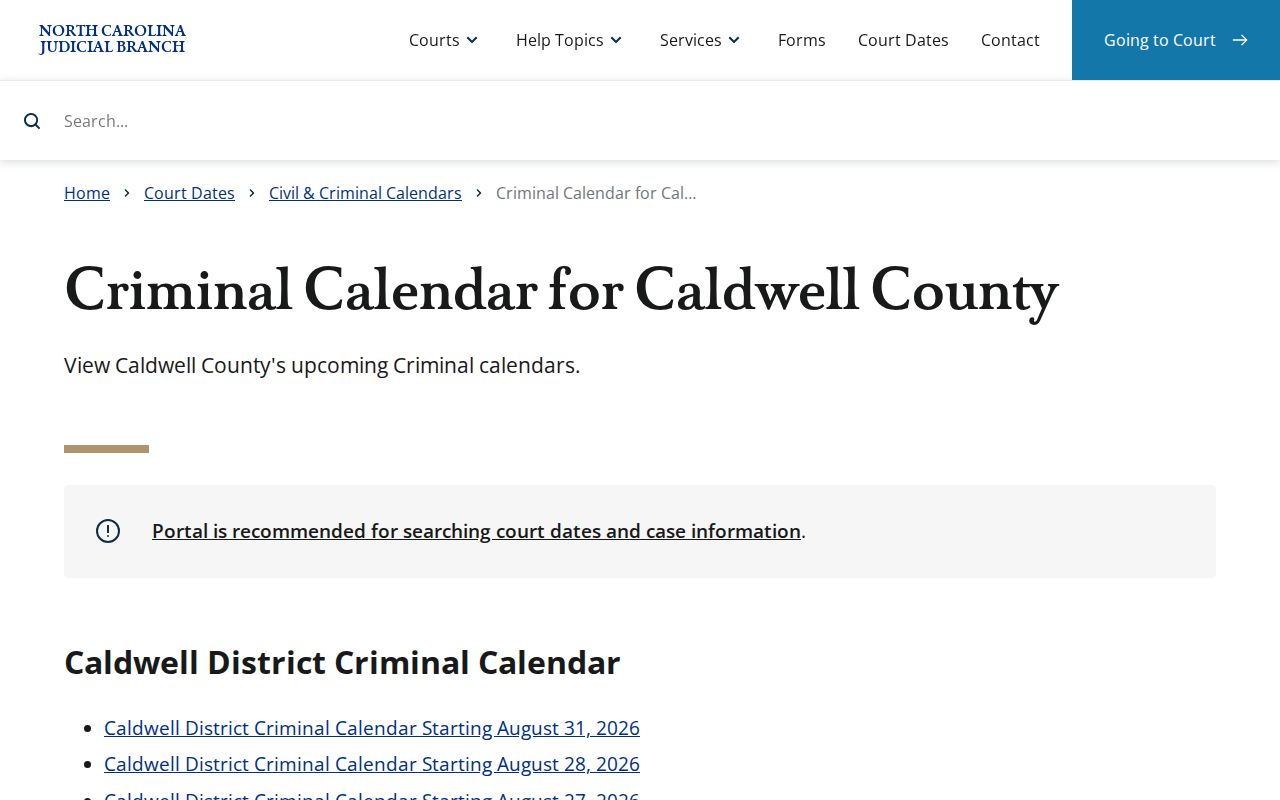
Keeping the criminal and civil routes distinct helps match a Caldwell County court schedule search to the proper court matter.
Note: No single public Caldwell County source lists every courtroom rotation, cutoff, or post-eCourts assignment practice.
Caldwell County Court Date Lookups
Pick the source that fits your question. With a case number in hand, begin at the North Carolina eCourts Portal. Looking for a scheduled event instead? Use Search Hearings or the right Caldwell County calendar destination. The state court-dates information also advises contacting the clerk. That covers a missed date or a possible weather change to the schedule. Write down the case number, court type, and date shown before you ask for confirmation.
- Open the eCourts Portal and use Smart Search with the case number or party name to locate the eligible public case information.
- Use Search Hearings when the question is a setting. Its documented fields include case number, party or business, attorney or bar number, judicial officer, and courtroom.
- Check the official Caldwell criminal or civil calendar when the matter is known to fall within that schedule. Match the result to the case reference and court type.
- Call the Caldwell Clerk of Superior Court at 828-759-3500 if a date is uncertain, appears changed, or cannot be confirmed online.
- Visit the Clerk at 216 Main St. NW in Lenoir for a local court-file question, a paper-file check, or a request that requires counter assistance.
You do not need to register for anonymous public Portal searching and viewing. Registration adds My Cases functions, not greater public access. The Portal FAQ recommends a current Chrome or Edge browser and notes that CAPTCHA may appear about every 10 minutes. That is why any live Caldwell County court date deserves a backup verification route.
Caldwell County Hearing Search
Search Hearings and a calendar are related tools, but they are not interchangeable. Search Hearings is a Portal function. It locates a setting through identifiers such as a case number, party, attorney, judicial officer, or courtroom. A Caldwell County calendar is the official published schedule for the criminal or civil category you select. Both can surface a hearing date. Neither turns a scheduled entry into a disposition, judgment, or complete case file.
With any Caldwell County court schedule question, first decide one thing. Do you want to browse a calendar or pull a setting for a known matter? Then compare the result against the case number and case type. If entries do not line up, call the Clerk. Do not pick the closest match. The Caldwell County Docket Search walks through the public case-search fields and what a Case Summary may show.
Note: A hearing listing is scheduling information. Recheck its date and location before an appearance.
Court Settings: What Each Field Means
A setting is an entry that places a matter on a court schedule. Read every field together. A date without the case reference can mislead. A courtroom or judicial-officer field may reflect an assignment rather than a final direction to appear. The Case Summary and Register of Actions add context around hearings and events. The calendar gives the scheduling view. When a field is missing, unclear, or at odds with a court notice, the Caldwell Clerk can verify what the public record currently shows.
| Date | The scheduled calendar date. A date may change through a continuance or later court action. |
|---|---|
| Time | The listed time for the setting. It does not by itself state how long the matter will take. |
| Courtroom | The courtroom information shown with the setting, if available. Confirm it when the location matters. |
| Judicial officer | An assignment field that Search Hearings can use. Do not treat it as a guarantee of a particular presiding official. |
| Setting type | The kind of scheduled event, such as a hearing, status setting, or trial-calendar entry. It is not a reported outcome. |
Caldwell County Calendar Terms
Calendar language can make a Caldwell County court schedule look more final than it is. The Portal and older Caldwell docketing materials use terms that describe a stage, a listing, or a moved date. Reading a term in its case context keeps a schedule entry from being mistaken for a ruling. These words matter most when checking a court date.
- Calendar
- A schedule of matters set for court, not a decision in the case.
- Hearing
- A scheduled event that may change before it occurs.
- Continuance
- A matter moved from its scheduled date.
- Administrative setting
- A local scheduling or status term used in the historic Caldwell plan.
- Trial calendar
- An expected trial list whose priority can change.
Historical terms can help interpret older records. They do not supply a current Caldwell County deadline, calendar priority, or assignment rule.
When a Court Date Moves
A hearing in Caldwell County can move off its scheduled date. Calendars get called for status, reset, or quietly changed. A docket entry that disappears does not always mean what you think. Confirm any changed setting through the current criminal or civil calendar. Portal Search Hearings and the Clerk work too. The Portal runs close to real time. Still, it is not a fixed final record. Court dates are not one of its dedicated features. So a vanished entry proves nothing about whether a case ended. An old setting may no longer control. Compare the case reference, the case type, and the current hearing information before drawing a conclusion. The Clerk answers questions about a local file. An NCAOC administrative public-record request, though, is not the way to get Caldwell court documents. It is also not the way to get certification. That distinction matters once a calendar question becomes a request for the file itself.
Caldwell County Calendar Checks
Four quick checks make a Caldwell County court schedule lookup far more reliable. Match the county first. Then confirm the case type. Compare the case reference against the docket entry you are reading. Finally, keep the hearing date separate from any reported result. These steps earn their keep when names run similar. A converted legacy record can carry a midnight-conversion timestamp. It can also miss a document still sitting in the paper file. Neither gap should be filled by guesswork.
Confirm live settings. The official court-date information says weather can reschedule court and directs people with a missed-date concern to contact the clerk.
Use the current calendar or Search Hearings result as a starting point, then ask the Caldwell Clerk to clarify a setting that is uncertain or inconsistent.
North Carolina court-date information is the source for this court-calendar image.
State court-date guidance backs a careful Caldwell County calendar check whenever a hearing may have shifted.
Missed Settings and What Comes Next
Missed a Caldwell County court setting? Start with the present status, not the old calendar entry. The state court-date guidance sends people to the clerk after a missed date. Give the Caldwell Clerk the case number. Give the date you believe was missed, and the court type. If an attorney is on the case, take case-specific advice there. Keep the Clerk question narrowed to the current public setting or file status. That split keeps each office doing its real job.
Missed a setting? A missed required setting can lead to a failure-to-appear entry or other case action, so prompt confirmation with the Caldwell Clerk matters.
Do not infer the current status from an older calendar, a similar name, or an incomplete Portal result.
Ask the Clerk which current public calendar or hearing information applies to the identified Caldwell County case.
Note: The Clerk can confirm the local record route, though availability and next steps depend on the case and the governing law.
Caldwell County Calendar History
Old paperwork can mislead a docket reader. The Caldwell Criminal Case Docketing Plan was revised in 2004. It supplies vocabulary rather than a live rule. The plan spoke of administrative calendars, clerk calendars, and district-attorney preparation and posting. It also covered certain felony matters after true bills, clerk-calendared probation violations, and trial-calendar practice. One provision set an administrative calendar at least 12 days ahead, with stated exceptions. None of that fixes a 2026 deadline for a Caldwell County case. It sets no courtroom rotation or priority rule either.
The current baseline is different. Caldwell County went live on eCourts on October 13, 2025. Portal, Enterprise Justice, eFiling, and online payment now set the working standard. A later District 36 chief-judge announcement is administration news only. It guarantees no judge, courtroom, or schedule assignment.
That announcement is the official page behind this court-calendar view: the District 36 chief-judge press release.
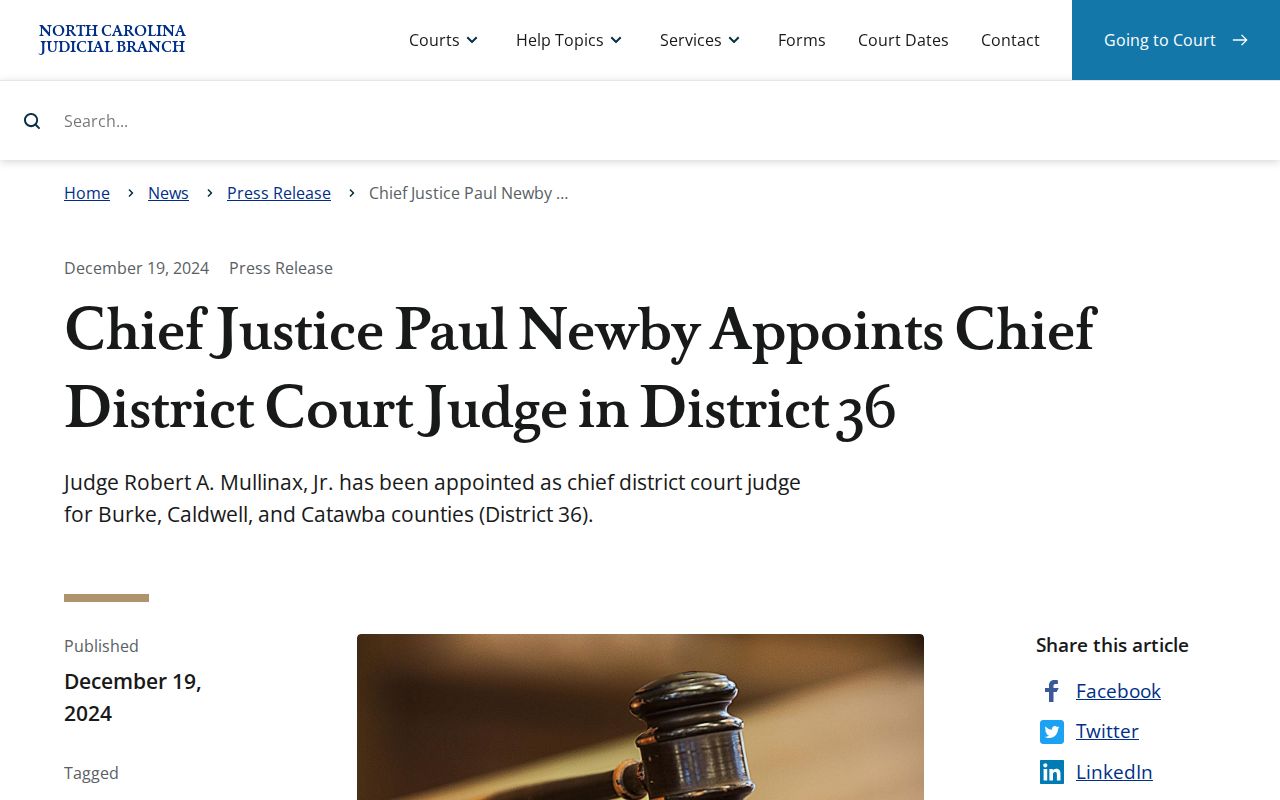
The announcement adds regional court-administration background. For an actual Caldwell County setting, the live calendar sources remain the place to check.