
Caldwell County Docket Search Access
The North Carolina eCourts Portal is the main online entry point for a Caldwell County docket search today. Caldwell County joined eCourts on October 13, 2025. That switch made Portal and Enterprise Justice the working baseline for court records across the county. Older records were converted, but a historical paper file can still hold material that never made it online.
Anyone can search and view anonymously. Registering adds My Cases functions, not wider public access. Portal is the state search layer. The Caldwell Clerk keeps the local file, the docket index, and the answer to any paper or certification question.
The eCourts statewide-completion announcement details the rollout and which counties it covers.
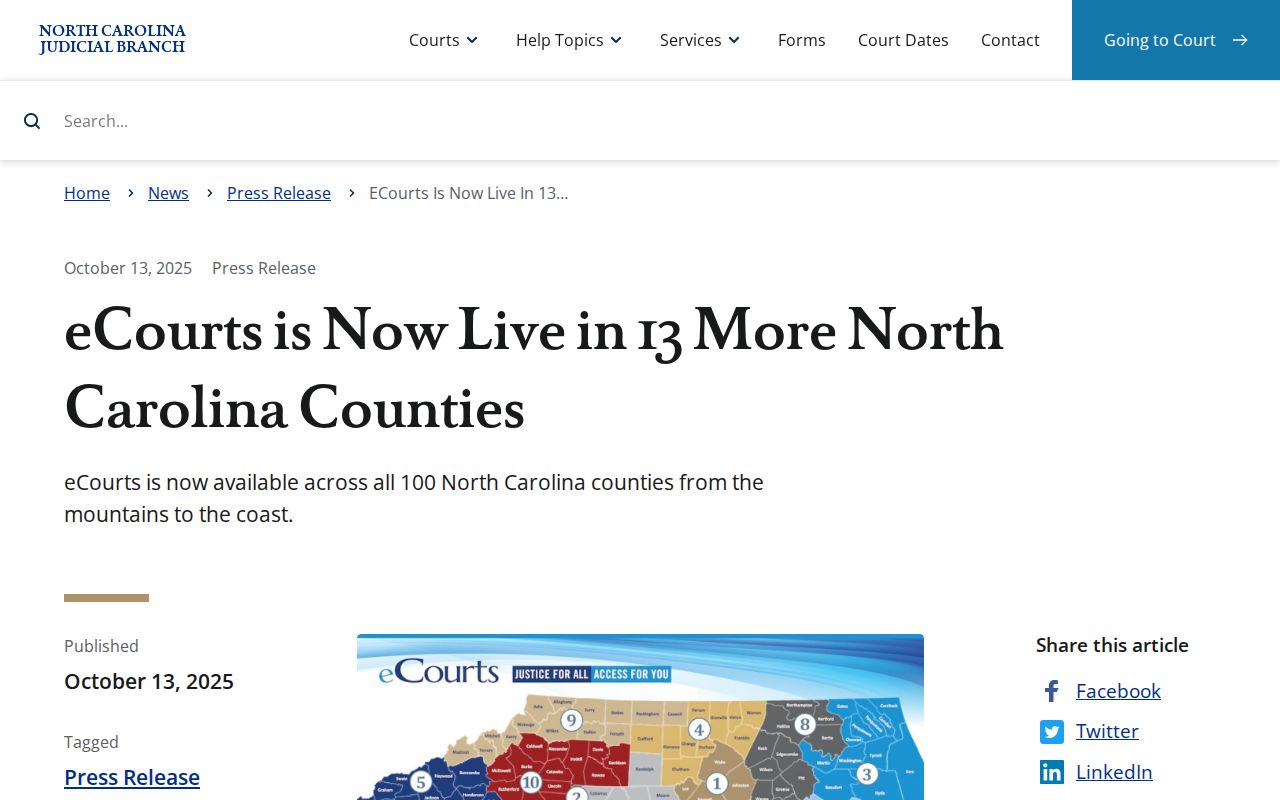
Because eCourts arrived in October 2025, the Portal is now the first online route for an eligible public Caldwell County case search.
Name-Based Case Searches
Smart Search takes a party name or a case number. Start narrow. Confirm the county, case type, and case reference before you open any result. Working with a partial name? The Portal FAQ describes a wildcard trick. Type three last-name letters plus an asterisk, then one first-name letter plus an asterisk. A query that broad makes checking the case reference on every hit essential.
- Open the eCourts Portal and select Smart Search for an eligible public Caldwell County case search.
- Enter a party name when no case number is available. Use the documented wildcard approach only when a partial name is necessary.
- Use the advanced categories when they fit the matter, then compare the county, case type, and reference in each public result.
- Open the Case Summary or Register of Actions information available for the matched case, and use the Clerk for a public-file or document question.
| Portal field or filter | Type | Required | Documented use |
|---|---|---|---|
| Party name | Text query | Use a party name or a case number | Smart Search can locate eligible public case information by party name. |
| Case number | Text query | Use a party name or a case number | NCAOC advises at least four case-number characters for a search. |
| Civil Actions | Advanced case category | Optional | One documented advanced-search category. |
| Special Proceedings | Advanced case category | Optional | Limited to non-confidential matters in the documented description. |
| Estates or Criminal Actions | Advanced case category | Optional | Additional documented advanced-search categories. |
Caldwell County Smart Search Tips
Treat any Caldwell County Smart Search result as near-real-time information, not a settled record. The July 2026 FAQ recommends a current Chrome or Edge browser. It also warns that a CAPTCHA appears roughly every 10 minutes. A dropped session means nothing about the case itself. The file may still exist.
Keep the case reference in view as you read each result. Similar names, conversion time stamps, and unavailable documents all argue for verification. An account unlocks no sealed, confidential, juvenile, or restricted material.
NCAOC Portal training and resources covers Smart Search behavior. It also covers browser needs and account limits in full.
Portal training points to the state search tools that support a careful Caldwell County docket search.
Note: An interrupted Portal session or a thin result does not prove that no Caldwell County court file exists.
Case Number Searches
A case number beats a name when you have one from reliable court material. NCAOC describes the current eCourts format. It uses a two-digit filing year, a case-type letter, a six-digit sequence, and a three-digit county identifier: YY-X-######-###. The pattern itself does not reveal or guess a Caldwell County code.
Type the number exactly as printed. Never rebuild a legacy number from parts. NCAOC says Smart Search needs at least four case-number characters. A complete reference confirms far better.
Caldwell County Case Number Checks
Check the number as printed. Note the Caldwell County identifier, the case type, and any status or event tied to it. A good number links the court notice, the online result, and any Clerk request. Do not swap in an assumed county suffix or a guessed legacy conversion.
A Portal result is one record. A paper file, a certified copy, a police report, and a transcript are different records. Requesting a document? Give the Clerk its name and approximate date along with the case number.
Case Search Results Explained
For an eligible public matter, the Case Summary is the Portal view. NCAOC calls it a Register of Actions. Its fields come from NCAOC's own interface descriptions, not from a live person or docket. Read every field next to its date and case reference. A hearing means something is scheduled. A disposition is a reported status or resolution, not a promise of either.
| Case number | The court identifier for the matched matter. Compare it to the notice or other reliable case reference. |
|---|---|
| Case information | Basic case details available in the Case Summary or Register of Actions. |
| Assignment | Court, judge, or courtroom assignment information as available. It does not guarantee a future setting. |
| Parties | Listed party roles. Similar names require case-number verification. |
| Cause of action | A civil or proceeding legal category when applicable. |
| Events and hearings | Recorded case activity and scheduled settings. A calendar listing is not a result. |
| Disposition and financials | Reported status or resolution and case-linked financial information when shown. |
Caldwell County Hearing Search
Search Hearings is the Portal function for court-date questions. Its documented fields cover case number, party or business, attorney or bar number. Judicial officer and courtroom are also options. Use it to find a setting, not to review case history. Hearing data and a Case Summary are two different displays.
| Search Hearings | Caldwell calendar |
|---|---|
| Finds a setting through case, party, attorney, judicial-officer, or courtroom fields. | Publishes the official criminal or civil schedule for the selected Caldwell County category. |
| Useful for a known matter or a targeted hearing question. | Useful for browsing the proper official schedule. |
| A listed hearing is not proof of an outcome. | A calendar entry is not a disposition, judgment, or complete case file. |
When a Caldwell County case search becomes a court-date question, set Search Hearings beside the current official calendar. Confirm any changed or uncertain setting with the Clerk.
Two Ways to Search: County and State
Caldwell County has no separate county-only public Portal of its own. The eCourts Portal serves as the statewide online route for eligible public case information. The Caldwell Clerk holds the county-level court files. The two are not duplicate databases. One locates a public case reference. The other answers file, paper-record, certification, and availability questions.
| North Carolina eCourts Portal | Caldwell County Clerk |
|---|---|
| Search eligible public state case information through Smart Search and related Portal tools. | Maintains local court records, files, dockets, and indexes. |
| Shows a Case Summary or Register of Actions fields as available. | Handles local paper-file, copy, certification, and access questions. |
| Registration adds My Cases functions, not broader public access. | Access depends on the public status of the requested material. |
Caldwell County Public Case Categories
The Portal offers four advanced categories: Civil Actions, non-confidential Special Proceedings, Estates, and Criminal Actions. These shape a Caldwell County search, but they do not make every filing, address, note, party field, or attachment public. A public case reference can back a narrow Clerk question about an actual file or copy.
- Civil Action
- A Portal advanced-search category for an eligible civil court case.
- Special Proceeding
- A statutory matter distinct from an ordinary civil action; Portal documentation limits this category to non-confidential matters.
- Estate
- A category with record-specific access limits that may require a Clerk question about the actual public file.
- Criminal Action
- A Portal advanced-search category that remains subject to restriction rules and case status.
Note: These categories classify searches. They do not create a complete public document collection for every Caldwell County case.
Which Cases Stay Restricted
What you can see in Portal comes down to category, status, and statute. Sealed or confidential material stays out of public view there. NCAOC's FAQ adds other limits, including unreturned warrants, juvenile content, protective-order-related access, and elevated roles. State law layers on more: G.S. 7B-3000 shields juvenile records, while G.S. 15A-151 restricts disclosure of expunged records.
Never piece together a restricted Caldwell County docket entry from stray snippets. Does a specific item matter? Ask the Caldwell Clerk directly whether it is public and on hand. Keep in mind that an absent result proves nothing. A case can exist yet stay closed to the public.
Access is case-specific. A public Portal result does not make every document in a Caldwell County case public or available for copying.
For an access question, provide the case number if known and ask the Clerk about the identified record rather than drawing conclusions from a gap.
Caldwell County Legacy Case Records
Old Caldwell County records were converted into the Enterprise Justice system. Even so, paper files in Lenoir can hold history that never made it online. Conversion time stamps and missing documents sometimes need confirmation at the local level. A legacy case number should never be hand-converted to the current format either.
Paper-file questions go to the Clerk. For records NCAOC itself holds, NCAOC's administrative public-record request route is the right path. It does not cover local court documents or certification.
Note: Conversion history may explain a thin online case record. It changes nothing about confidentiality or who may access the file.
Caldwell County Case Result Verification
Verification starts with the details. Line up the case number, the county, the case type, each party's role, and the event or hearing date that matters. Read any disposition together with its date and field, since context changes meaning. An index date won't list every event, and a judgment index is never a promise of the full court file.
Split the work by tool. Portal carries public case information; Search Hearings or the official calendar shows settings; the Caldwell Clerk holds the local file. Gaps in public fields are just gaps. Fill them through the clerk, not guesswork.
Caldwell County Case File Follow-Up
Need something from a Caldwell County court file? Call the Clerk of Superior Court at 828-759-3500. Or go to 216 Main St. NW in Lenoir. Have the county and any known case number ready. Bring the document or docket item you need, an approximate date, and whether you want a plain or certified copy. Ask first whether the item is public before you pay anything.
One caution on cost. The statewide fee chart does not automatically match what a local case file costs. Get the total confirmed before ordering. Once you've pinned down the right case reference, the Caldwell County Court Case Records route covers document and certification detail.
Note: The Clerk can walk you through the local request process. Court staff cannot use a docket search to open a restricted record to the public.